English
 Español
How to self-check if checkweigher is abnormal and unable to weigh
2023-04-05 20:49:36
How to self-check if the automatic checkweigher is abnormal and unable to weigh?
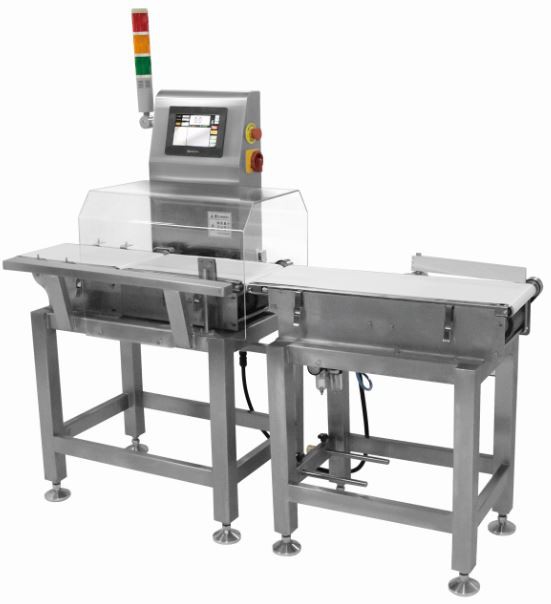
During the operation of the checkweigher, there may be a situation where the weighing cannot be performed. What should we do if it happens? At this time, check the weighing tray (that is, the middle section of the automatic checkweigher), check whether the gasket of the device sensor is installed, and where it is installed! The following are the self-checking steps of the automatic checkweigher:
Dynamic checkweigher
Step 1: Disassemble the weighing tray;
Step 2: Unscrew the protective screw of the sensor;
Step 3: Check if the gasket is installed;
Step 4: Check whether the gasket is aligned with the corresponding hole;
Step 5: After installing the gasket, restore the pallet. If the weighing is abnormal, you need to return to the operation interface to reset the technical parameters.
If you want to know more about the dymanic check weight, welcome to contact us.
Sales manager: Lily Luo
Whatsapp: +86 13418201227